
গাইড
9Wickets Agent Login: Complete Guide to Account Access and Agent Support
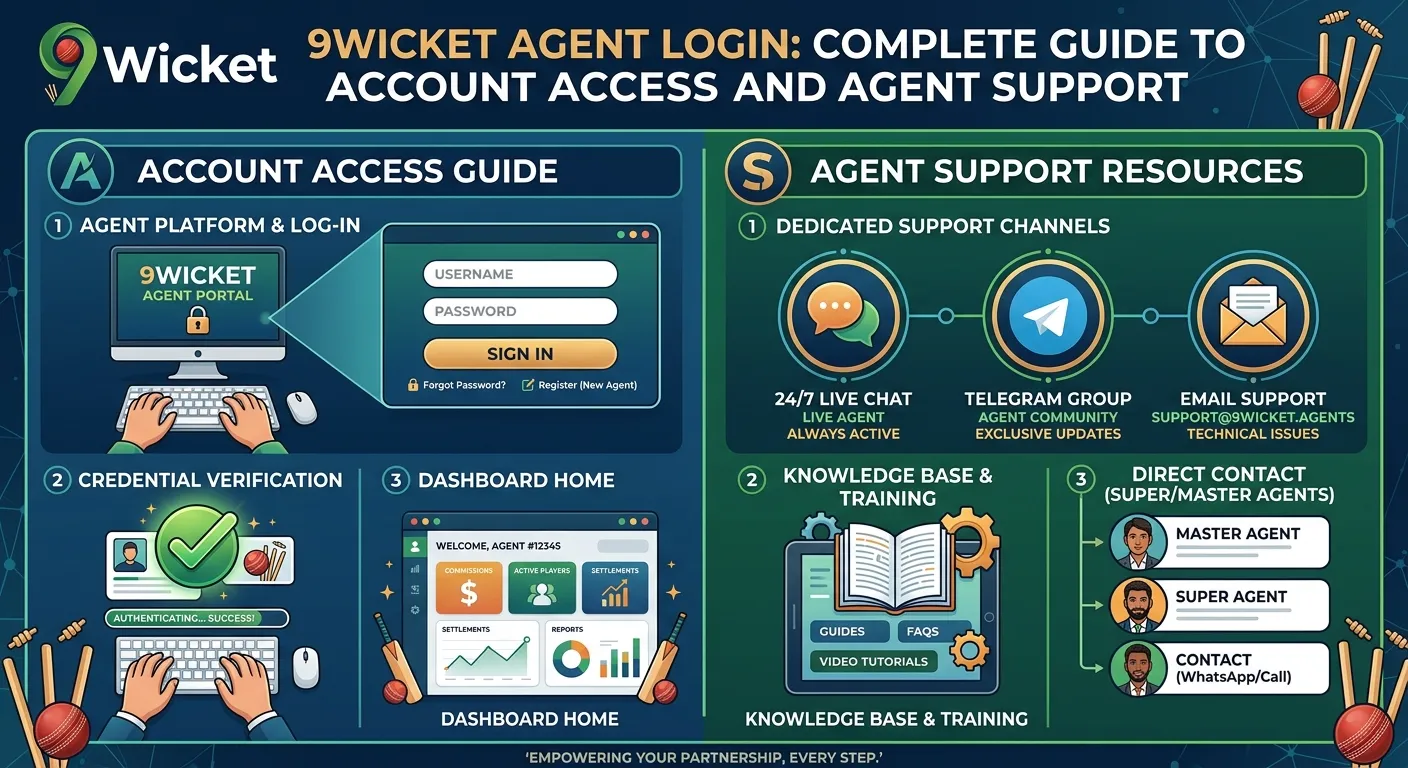
9Wickets Agent Login is an important access point for authorized agents who manage their activities through the 9Wickets platform. Agents may use their dedicated accounts to access available tools, manage assigned users, review account information, and handle other responsibilities provided by the platform.
For new agents, understanding the login process can make account access easier and reduce common problems. Existing agents can also benefit from knowing how to protect their credentials, recover access, and contact official support when necessary.
This comprehensive guide explains the 9Wickets Agent Login, the general login process, common access problems, account security practices, and important tips for using an agent account safely.
What Is 9Wickets Agent?
The 9Wickets Agent Login is a dedicated login system intended for authorized agents. Unlike a standard user account, an agent account may provide access to additional tools and features related to agent responsibilities.
The exact features available can depend on the agent’s account type, authorization level, and current platform configuration.
An agent login may provide access to areas such as:
- Agent account information
- Assigned user management
- Account activity
- Available reports and records
- Agent-related tools
- Platform notifications
- Support and account settings
Because an agent account may provide access to additional information, keeping the login credentials secure is especially important.
How to Access 9Wickets Agent Login
Agents should always use the official 9Wickets website or authorized agent portal when attempting to log in. Avoid using login links received from unknown individuals or unofficial websites.
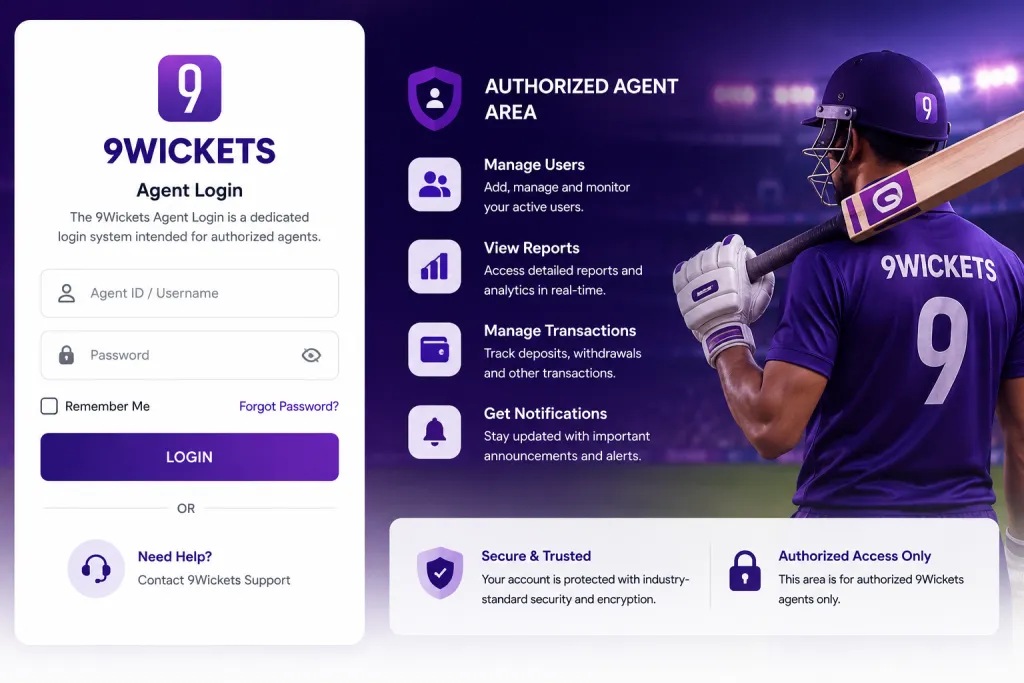
The general login process usually involves the following steps:
Step 1: Visit the Official Agent Login Page
Open the official 9Wickets platform or the agent portal provided to you by the authorized 9Wickets team.
Before entering any information, check that you are using the correct official website and a secure connection.
Step 2: Enter Your Agent Username or ID
Enter the username, agent ID, or other login identifier associated with your authorized account.
Make sure the information is entered correctly. A small typing mistake can result in an unsuccessful login attempt.
Step 3: Enter Your Password
Enter the password associated with your agent account. Passwords are case-sensitive, so check capitalization and spacing if the login does not work.
Never share your password with another person, even if they claim to be a support representative.
Step 4: Complete Additional Security Verification
If the platform requires an OTP, authentication code, CAPTCHA, or another security step, complete the verification using the official process.
Never share an OTP or authentication code with another person.
Step 5: Access Your Agent Dashboard
After successful authentication, you should be directed to the appropriate agent dashboard or account area. The features displayed may vary according to your account permissions.
Why Is a Dedicated 9Wickets Agent Login Important?
A dedicated agent account helps separate agent activities from ordinary user accounts. This can make account management more organized and allow authorized agents to access the specific tools they need.
The 9Wickets Agent Login can also provide a centralized location for agents to manage relevant information instead of relying on multiple unofficial communication channels.
A secure login system can help improve:
- Account organization
- Access control
- Data security
- Agent management
- Communication
- Activity monitoring
Agents should therefore treat their login credentials as confidential information.
Common 9Wickets Agent Login Problems
Sometimes an agent may be unable to access the account. Login problems can happen for several reasons.
Incorrect Username or Agent ID
One of the most common reasons for a failed login is entering the wrong username or agent ID.
Check the credentials provided during account registration or authorization. If you are unsure about the correct agent ID, contact official 9Wickets support.
Incorrect Password
A wrong password can prevent access. Remember that passwords are generally case-sensitive.
If the platform provides a Forgot Password or account recovery option, use the official recovery procedure rather than contacting an unknown third party.
Account Not Activated
New agents may not be able to log in until their account has been approved or activated.
If you have recently registered or received agent authorization but cannot access the dashboard, contact the official support team to confirm the account status.
Temporary Account Restriction
An account may sometimes be temporarily restricted because of security checks, unusual activity, incorrect login attempts, or administrative reasons.
If you believe your account has been restricted incorrectly, contact official support and follow the verification process provided by the platform.
Website or Browser Problems
A login issue may also be caused by a browser, cache, network connection, or temporary website problem.
Try refreshing the page, checking your internet connection, updating your browser, or accessing the official portal from another supported browser.
How to Reset a 9Wickets Agent Password
If you forget your agent password, first look for the official Forgot Password, Reset Password, or account recovery option on the login page.
A typical recovery process may require you to:
- Open the official agent login page.
- Select the password recovery option.
- Enter the requested account information.
- Complete the required verification.
- Follow the password-reset instructions.
- Create a new strong password.
- Return to the agent login page and sign in again.
If no password recovery option is available, contact the official 9Wickets support team through a verified channel.
Do not pay an unknown person or provide confidential credentials to someone claiming they can recover your account.
9Wickets Agent Login Security Tips
Security should be a priority for every agent. An agent account can potentially contain information that should not be accessible to unauthorized people.
Follow these security recommendations:
- Use a strong and unique password.
- Never share your login credentials.
- Do not save passwords on public or shared computers.
- Log out after using an agent dashboard on a shared device.
- Keep your browser and operating system updated.
- Avoid suspicious login links.
- Use only official 9Wickets websites and applications.
- Never disclose OTPs or authentication codes.
- Contact official support if you notice unusual account activity.
These simple precautions can significantly reduce the risk of unauthorized access.
How to Identify a Fake 9Wickets Agent Login Page
Online users should be careful about fake websites designed to collect usernames and passwords. Before logging in, check the website address carefully.
Warning signs may include:
- An unfamiliar domain name
- Spelling mistakes in the website address
- Unexpected login links from strangers
- Requests for passwords through messaging apps
- Requests for OTPs
- Promises of instant account activation in exchange for payment
- Unusual pop-ups or security warnings
If anything looks suspicious, stop the login process and verify the correct website through an official 9Wickets source.
What Should You Do If Your Agent Account Is Compromised?
If you believe someone else has accessed your account, act quickly.
First, change your password through the official platform if you still have access. If you cannot access the account, contact official 9Wickets support immediately.
Explain the situation clearly and follow the security verification process.
Do not attempt to recover the account through unofficial agents, social media profiles, or unknown individuals. Using official support is the safest approach.
9Wickets Agent Dashboard
After a successful 9Wickets Agent Login, authorized agents may see a dashboard containing tools and information relevant to their role.
The exact dashboard design and features can change over time. Depending on permissions, an agent dashboard may include account information, user-related tools, reports, notifications, or other management features.
Agents should use these tools only for legitimate activities permitted by their agreement with the platform.
Best Practices for 9Wickets Agents
A professional approach to account management can make daily agent activities more organized.
Keep your login details stored securely and avoid sharing the same account with other people. If multiple people require access, use the platform’s approved account-management procedures rather than sharing one password.
Agents should also regularly review account activity and report anything unusual.
When communicating with users, agents should provide accurate information and direct users to official support whenever an issue requires platform-level assistance.
Frequently Asked Questions About 9Wickets Agent Login
What is 9Wickets Agent Login?
9Wickets Agent Login is the dedicated account-access system for authorized agents. It allows agents to access features and tools associated with their approved role.
How can I log in as a 9Wickets agent?
Use the official 9Wickets agent portal and enter your authorized login credentials. Complete any additional security verification required by the platform.
What should I do if I forget my agent password?
Use the official password recovery option if available. If you cannot reset your password, contact official 9Wickets support.
Why is my 9Wickets agent login not working?
Possible reasons include incorrect credentials, an inactive account, temporary restrictions, browser problems, or technical issues. Verify your information and contact official support if the problem continues.
Can I share my agent login with another person?
You should not share your login credentials unless the platform explicitly provides an authorized method for multiple users or delegated access.
Is 9Wickets Agent Login available on mobile?
Access depends on the current platform and device support. Agents should use the official 9Wickets website or authorized application and follow the platform’s current instructions.
Conclusion
The 9Wickets Agent Login provides authorized agents with access to the tools and account features associated with their role. Understanding the correct login procedure, password recovery options, security practices, and troubleshooting steps can help agents maintain reliable access to their accounts.
Always use the official 9Wickets agent portal, protect your username and password, and never share OTPs or confidential authentication information. If you experience an account problem, use the official support or recovery process rather than relying on unofficial individuals or websites.
For both new and experienced agents, secure account management is an essential part of using an online agent platform responsibly. By following proper login and security practices, agents can reduce unnecessary access problems and keep their accounts better protected.
আরও পড়ুন
সম্পর্কিত গাইড

Big Gaming with The 9Wickets: A Complete Guide to Online Gaming Entertainment
Online gaming has become one of the fastest-growing forms of digital entertainment, giving players access to exciting games from their smartphones, tablets, and computers.…
সম্পূর্ণ গাইড পড়ুন
Customer Service at 9Wickets – Here to Help
9Wickets, In the fast-paced world of online entertainment, gaming, and digital sports platforms, having access to reliable, responsive, and clear customer support is essential.…
সম্পূর্ণ গাইড পড়ুন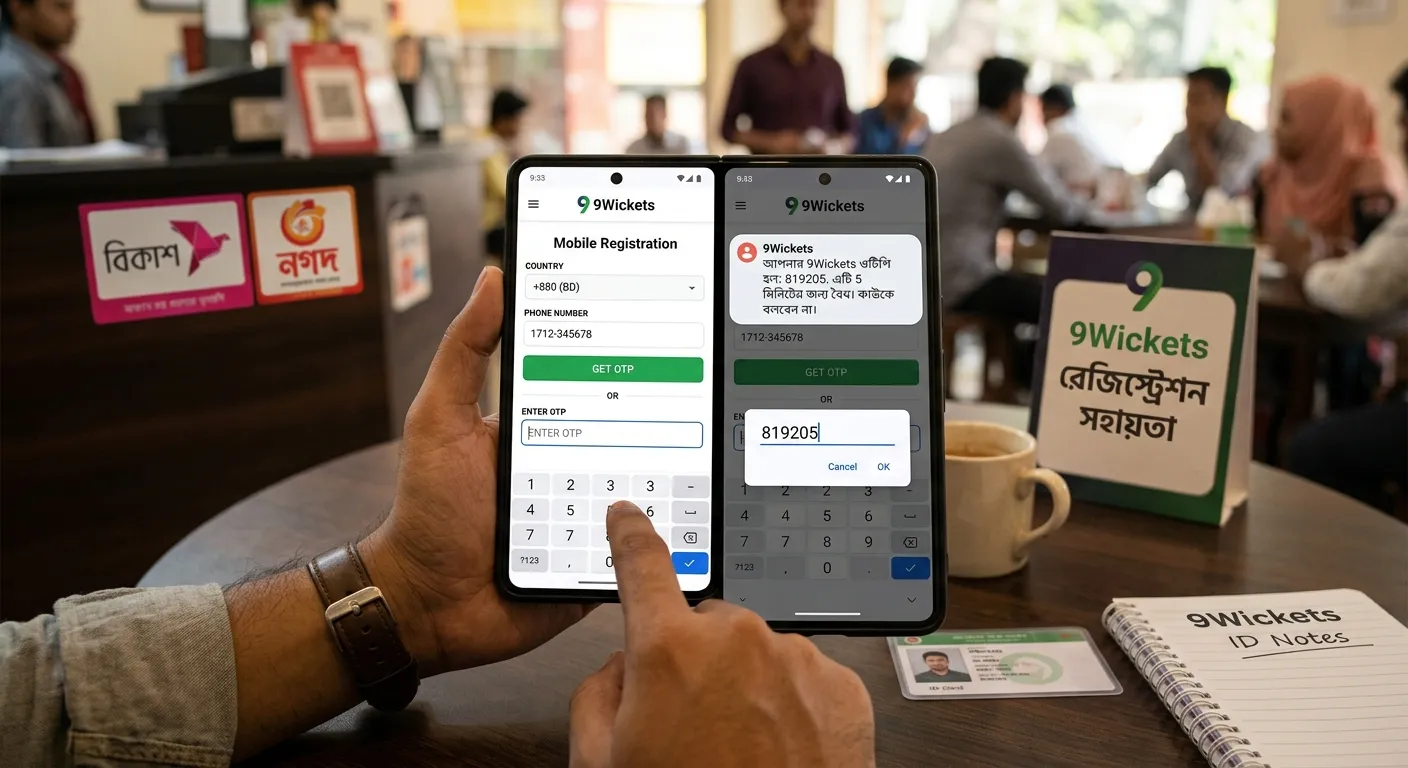
Complete Guide to 9Wickets Mobile Registration and OTP Verification
9Wickets, In online sports trading and gaming exchanges, establishing a verified account structure is essential for security and platform functionality. 9Wickets utilizes phone number…
সম্পূর্ণ গাইড পড়ুনএই গাইড কাজে লাগানোর সময় এখনই
বিকাশ, নগদ বা রকেট দিয়ে 9Wickets অ্যাকাউন্ট খুলুন, অথবা সাহায্য লাগলে সরাসরি সাপোর্টে কথা বলুন।